
B2B projection equipment · Multi-partner sourcing · Project configuration support
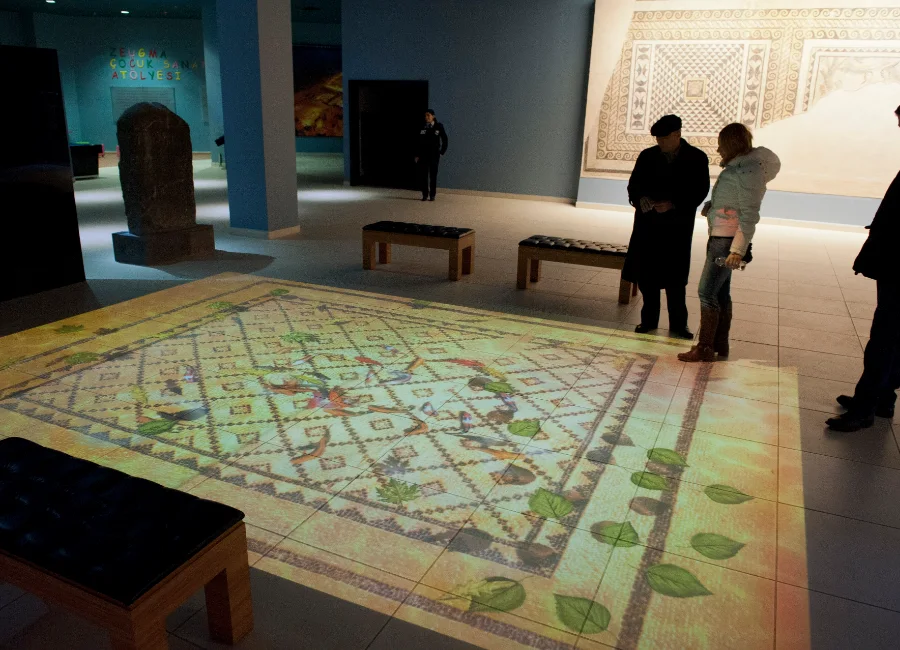
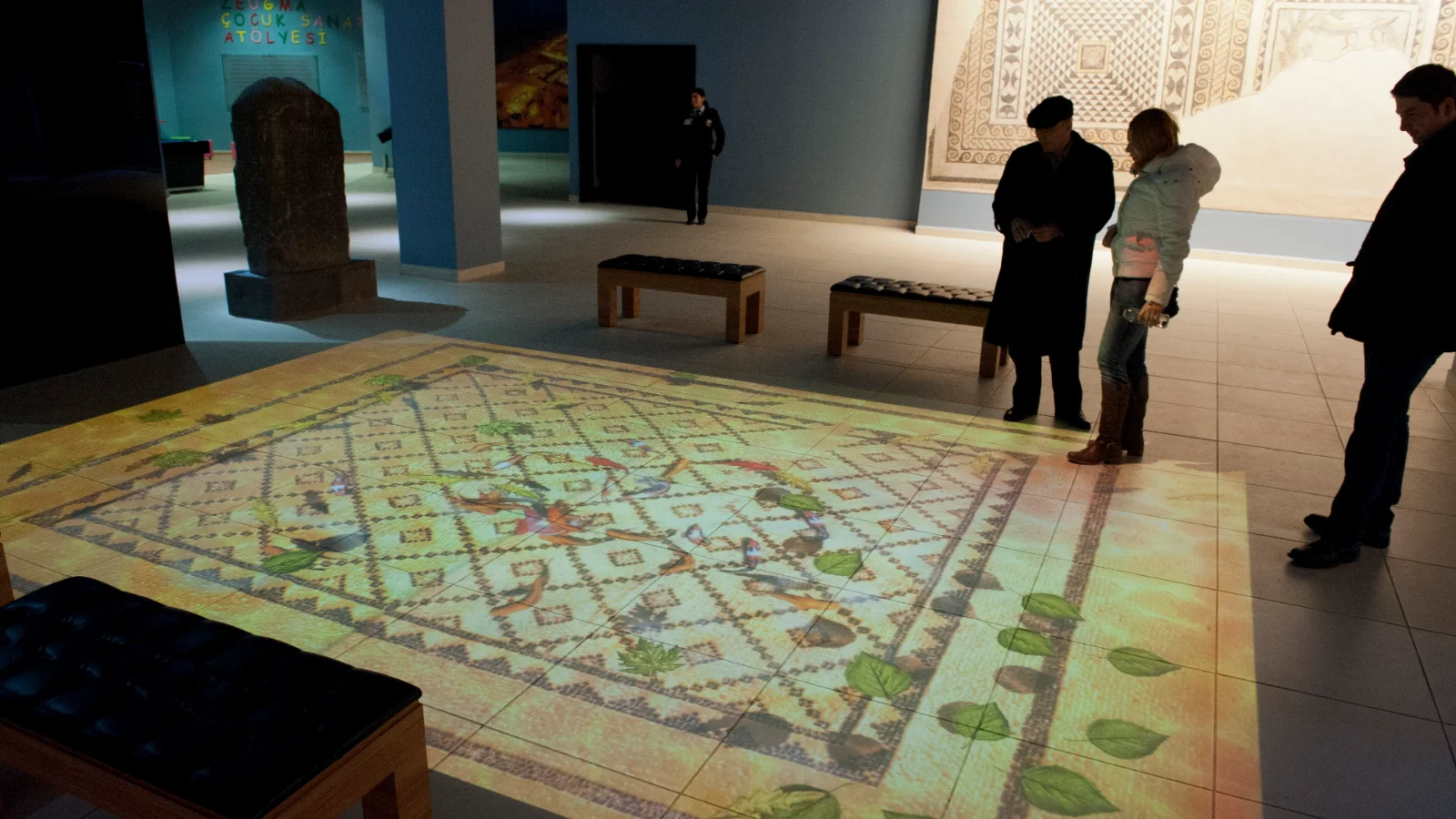
Interactive floor projection game in a museum visitor area
Participation-driven spaces

Interactive Projection Games Solutions

Complete interactive projection systems combining professional hardware, engaging game software and technical support for commercial venues.

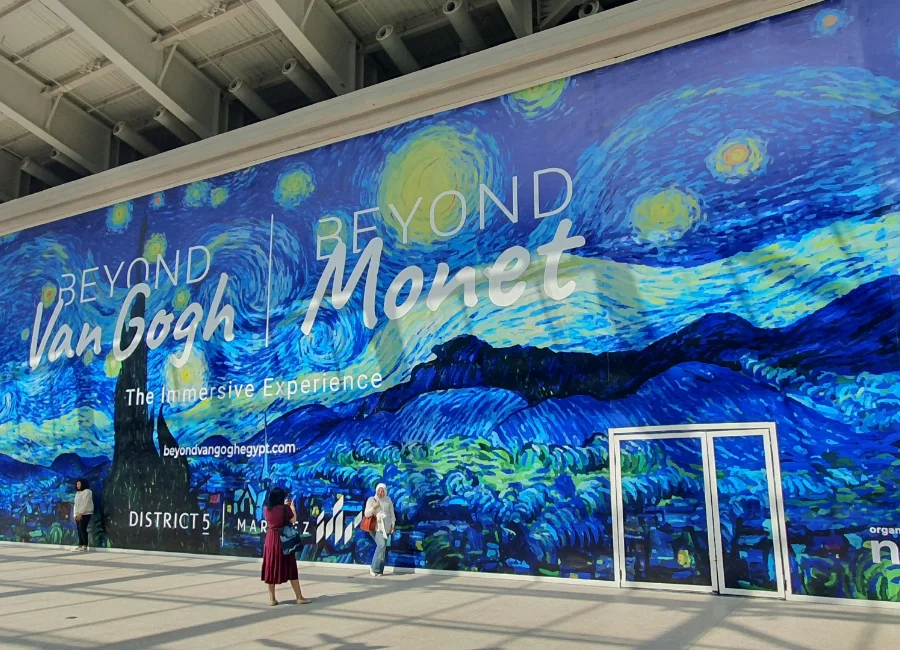
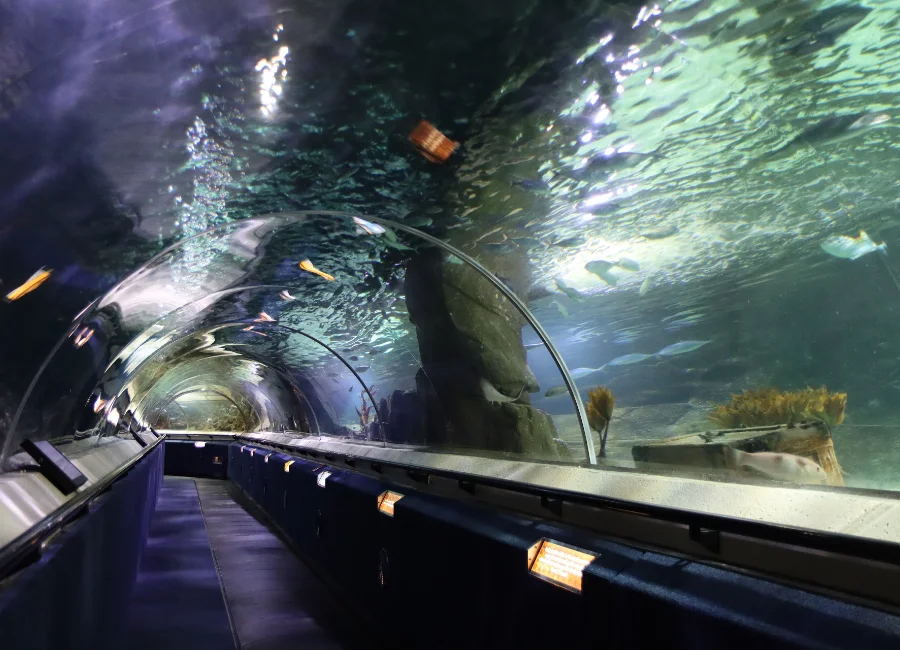
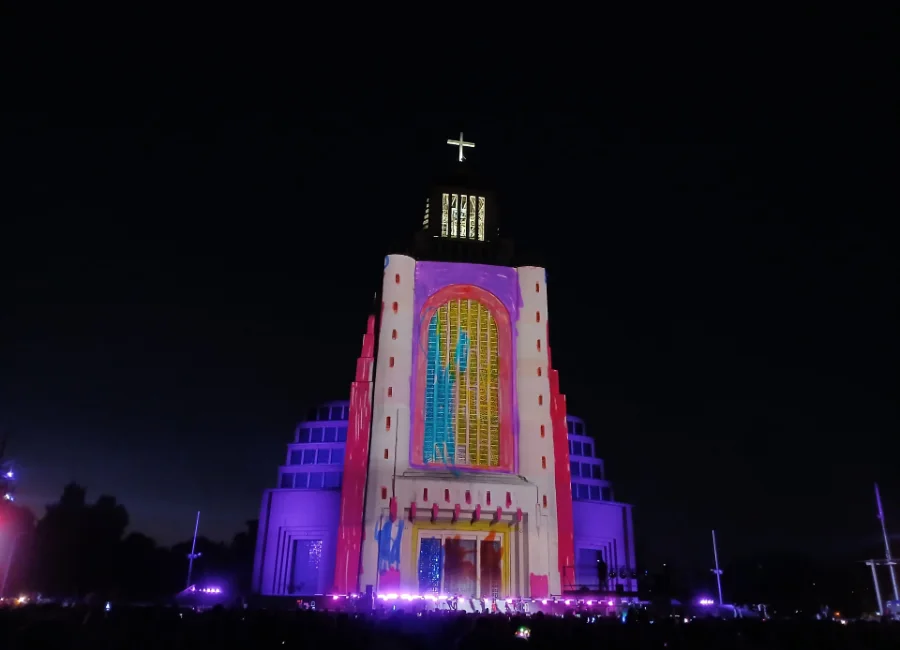
Illustrative licensed scene · Not a DOTOOG project
01 / Application overview

Where Interactive Projection Games Fit

A successful game is designed as a complete system: projection, sensing, software, content, surface and visitor flow.

DOTOOG works as a B2B equipment supplier and project-oriented solution provider. Final configuration depends on approved supplier models, site information and the agreed cooperation scope.

Application photos are licensed visual references, not evidence of completed DOTOOG projects.
02 / Complete hardware · Software · Technical support

How Our Interactive Projection System Works

From player movement to instant visual feedback, DOTOOG combines projection hardware, tracking devices, game software and project configuration into a complete interactive experience.

Isometric technical illustration of a central control server connected to ceiling-mounted projectors and motion-tracking cameras, creating a multi-player interactive floor projection
Illustrative multi-projector system. Projector and sensor quantities depend on site dimensions, game requirements and approved equipment specifications.
Game server and content control
01

Content Processing

Game content and control software run on a configured computer or media server.
Motion-tracking camera
02

Motion Detection

Cameras or other compatible sensors capture player movement and send tracking information to the system.

Interaction data processing interface
03

Data Processing

Interactive software interprets sensor data and updates game events and visual responses in real time.

Multi-projector display arrangement
04

Projection & Display

One or multiple projectors display the games. Larger areas may require synchronized projection and edge blending.

Interactive floor responds to player movement
05

Interactive Experience

Players trigger visual and audio feedback through movement, creating a responsive game experience.

Video signalGame computer / server → projector(s)
Tracking dataSensor(s) → game processing software
Interactive responseGame software → updated visuals and optional audio

The diagrams are conceptual illustrations, not installation drawings or evidence of a completed DOTOOG project. The data-processing screen is illustrative rather than a verified software screenshot. Single-projector systems may be sufficient for smaller venues; multi-projector blending is project-dependent.

Need a system designed for your venue?

Share your play-area size, ceiling height, preferred games and project location.

Get a Custom Solution ↗
03 / Space planning & projection design

Designed Around the Players

The room must work for the game and the people around it. Player zones, queue space and spectator sightlines are as important as projector coverage.

01

Player age, group size and session duration

02

Active floor or wall area and safety boundaries

03

Ambient light and surface condition

04

Sensing coverage, latency and reset behavior

05

Queue, supervision and technical access

Interactive Floor Corridor — interactive projection engineering concept, equipment layout and CAD drawings
Interactive Floor Corridor
Interactive Game Zones — interactive projection engineering concept, equipment layout and CAD drawings
Interactive Game Zones
Children’s Interactive Play Area — interactive projection engineering concept, equipment layout and CAD drawings
Children’s Interactive Play Area
Immersive Interactive Room — interactive projection engineering concept, equipment layout and CAD drawings
Immersive Interactive Room
Museum Interactive Exhibition — CAD engineering concept diagram
Museum Interactive Exhibition
Interactive Restaurant Tables — CAD engineering concept diagram
Interactive Restaurant Tables
Retail & Shopping Mall Interactive Experience — CAD engineering concept diagram
Retail & Shopping Mall Interactive Experience
Corporate Interactive Showroom — CAD engineering concept diagram
Corporate Interactive Showroom
Creative & Educational Interactive Experience — interactive projection engineering concept, equipment layout and CAD drawings
Creative & Educational Interactive Experience
Illustrative example A

Family floor game

A controlled indoor play surface with a supervised queue and repeatable session resets.

  • Target floor area: approximately 6 × 4 m
  • Interaction: movement-based
  • Software and sensor: verify with demonstration
Illustrative example B

Museum wall exhibit

A wall-based participatory story with a compact interaction zone.

  • Target wall: approximately 4 × 2.5 m
  • Interaction: visitor position or gesture
  • Content: custom or approved template
All diagrams and configuration examples are illustrative. They are not equipment sizing, engineering approval or a guaranteed performance specification.
04 / Equipment
3D Interactive Game Projectors
EQUIPMENT

3D Interactive Game Projectors

Projection systems for game-led floor, wall and exhibit experiences with visitor interaction.

View details →
Interactive Projectors
EQUIPMENT

Interactive Projectors

Projection equipment for responsive wall, floor and exhibit experiences where visitor input is part of the concept.

View details →
Color Wash Lights
EQUIPMENT

Color Wash Lights

Broad color coverage for facades, vegetation, structures and immersive room environments.

View details →
05 / Project references
Family Play Areas
APPLICATION REFERENCE · NOT A COMPLETED PROJECT

Family Play Areas

Group games and attraction experiences for children and families.

Shopping Mall Activations
APPLICATION REFERENCE · NOT A COMPLETED PROJECT

Shopping Mall Activations

Promotional games that create footfall and repeat participation.

Museums & Science Centres
APPLICATION REFERENCE · NOT A COMPLETED PROJECT

Museums & Science Centres

Exhibits where visitors learn through movement and play.

Education Spaces
APPLICATION REFERENCE · NOT A COMPLETED PROJECT

Education Spaces

Classroom, training and group activities driven by projected content.

Fitness & Sports
APPLICATION REFERENCE · NOT A COMPLETED PROJECT

Fitness & Sports

Reactive training surfaces and motivational movement experiences.

Events & Exhibitions
APPLICATION REFERENCE · NOT A COMPLETED PROJECT

Events & Exhibitions

Short-session games that attract and engage public audiences.

Illustrative application references, not verified DOTOOG completed projects. Explore the project library →

06 / END-TO-END SERVICES

From Concept to Delivery

Six connected stages from project consultation to equipment delivery and technical support. Final responsibilities follow the agreed project scope.

01

Requirement Analysis

Understand the venue, dimensions, audience and experience objective.

Technical workflow illustration for Requirement Analysis
02

Projection Planning

Evaluate surfaces, coverage, viewing positions and possible equipment locations.

Technical workflow illustration for Projection Planning
03

System Configuration

Select suitable projectors, media hardware and accessories from verified options.

Technical workflow illustration for System Configuration
04

Content & Software Coordination

Coordinate content, mapping, playback and optional interaction within the agreed scope.

Technical workflow illustration for Content & Software Coordination
05

Testing & Quality Control

Verify the delivered hardware and system operation against agreed requirements.

Technical workflow illustration for Testing & Quality Control
06

Operation Guidance

Provide the applicable instructions, documentation and support defined in the delivery agreement.

Technical workflow illustration for Operation Guidance

Site surveys and on-site installation may be performed by the client or local partners, depending on the agreed project scope.

07 / Solution FAQ

Frequently Asked Questions About Interactive Projector Games

Can interactive games run on a wall instead of a floor?
Yes, when the projector, sensing method, content and visitor flow are designed for a wall-based experience.
Can game content be customized?
Customization depends on the selected software and production workflow. A supplier should demonstrate the workflow before project approval.
How many people can play at once?
The useful player count depends on surface size, game design, sensing coverage, supervision and the intended pace of each session.

Let’s Discuss Your Interactive Projection Project

Tell us about the venue, play surfaces, interaction goals and project schedule.