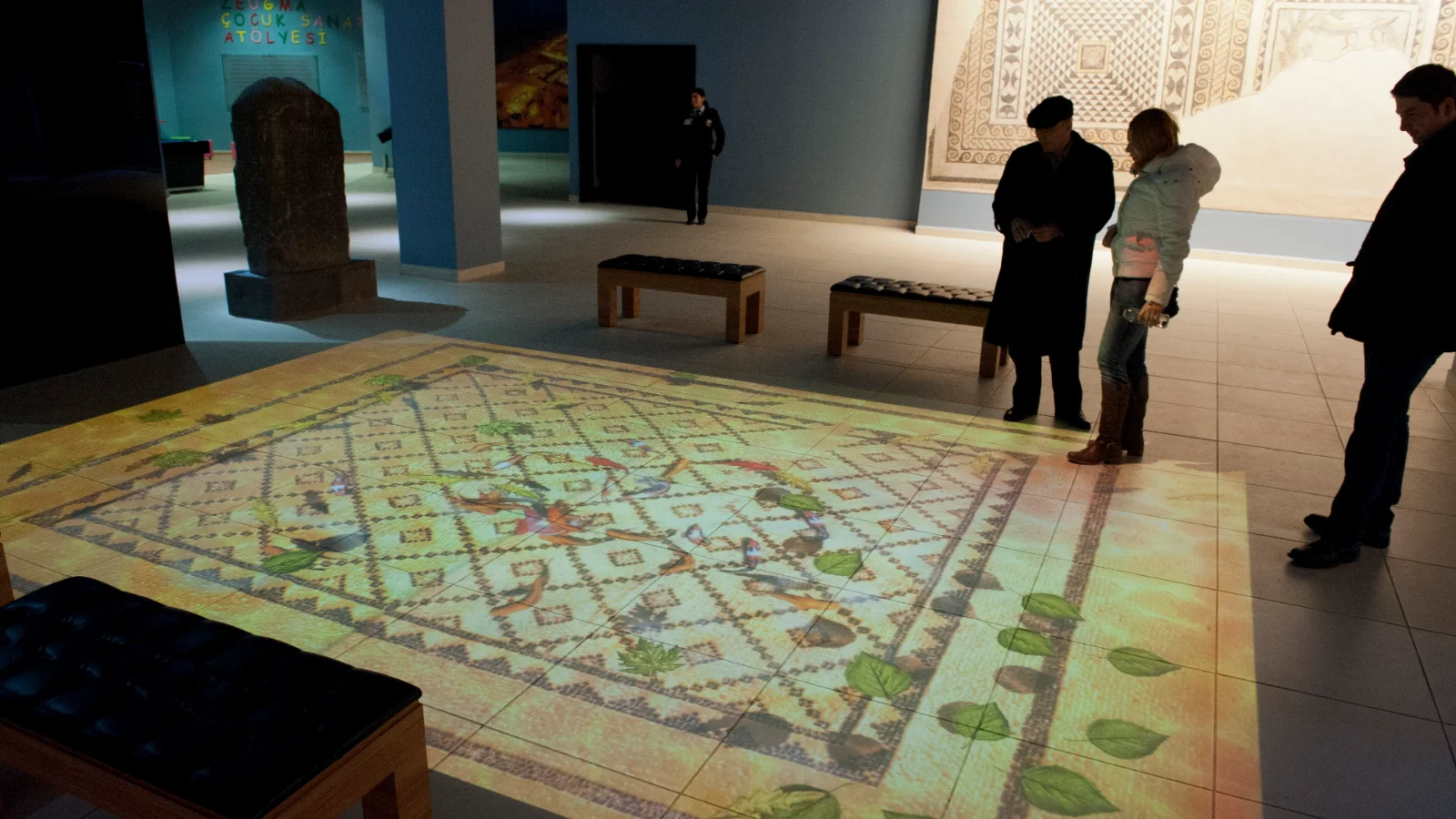

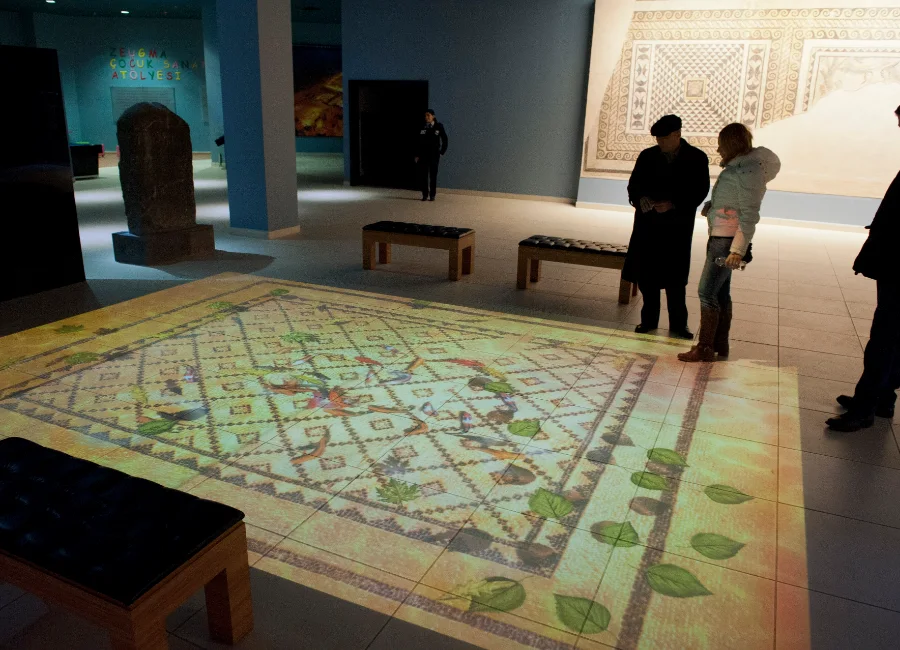
Choose the interaction before the hardware
Decide whether visitors will move through a floor zone, touch a wall, stand in a sensor area or use a physical object. That experience model determines the sensing and software priorities.
Match the game to the audience
Session length, group size, age range, supervision and replay value should be designed together. A game that works for a family play area may not suit a museum or fitness space.
Treat sensing as part of the system
Projector resolution alone does not define interaction quality. Sensor coverage, latency, calibration, surface color and ambient light all influence whether the experience feels reliable.
Plan the play environment
Queue space, active boundaries, spectator views, reset procedures and technical access are part of the solution. The projected play area should not obstruct circulation or emergency routes.
Require a working demonstration
Ask for a demonstration of the complete interaction loop with the intended content, sensing method and display surface. Verify customization and content-update workflows before approval.